by Design Workshop Sydney
Jan9
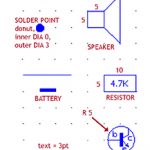
Autocad 2D blocks are an automated feature of the program, used for any repeated elements like nuts, bolts, doors, windows, electrical components. And other drawings may use the same elements. To save time, the Autocad user creates these elements as blocks, and rather than draw them over and over again, simply inserts the block into the drawing. In our Autocad... Read more...
by Design Workshop Sydney
Dec31
The main features of the Autocad 2D workspace are: its ability to draw and modify geometry accurately; the adding of precise dimensions and text; viewing the geometry at different scales; and organizing drawing information by using layers, line types and colours. The user can also set up a variety of layouts for printing, as well as create and import symbols,... Read more...
by Design Workshop Sydney
Dec17
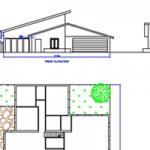
Autocad is the industry leader in 2D and 3D CAD design. It’s basically a drafting and modeling tool that enables us to communicate design concepts to others. Today, almost all structures, built environments, machine tools and consumer products are created using computer-aided design (CAD) software, specifically Autocad. Whether you are starting from basics or have been using the program for... Read more...

by Design Workshop Sydney
Sep1
AutoDesk’s Autocad 2D software helps you create professional-standard technical drawings, as well as edit and annotate designs. Whether you are looking for an introduction to the program, or have been using it for a while, our courses have something to offer. In our Autocad courses we go through the standard workflow several times: drawing and annotation, scaling in paper space,... Read more...

 Graphic Design Courses